ME Studio
ME Studio is a desktop app for turning an idea or a script into an animated short. An AI assistant can help draft scenes, which you can preview and edit in Canvas before exporting a video.
See examples on the ME Studio site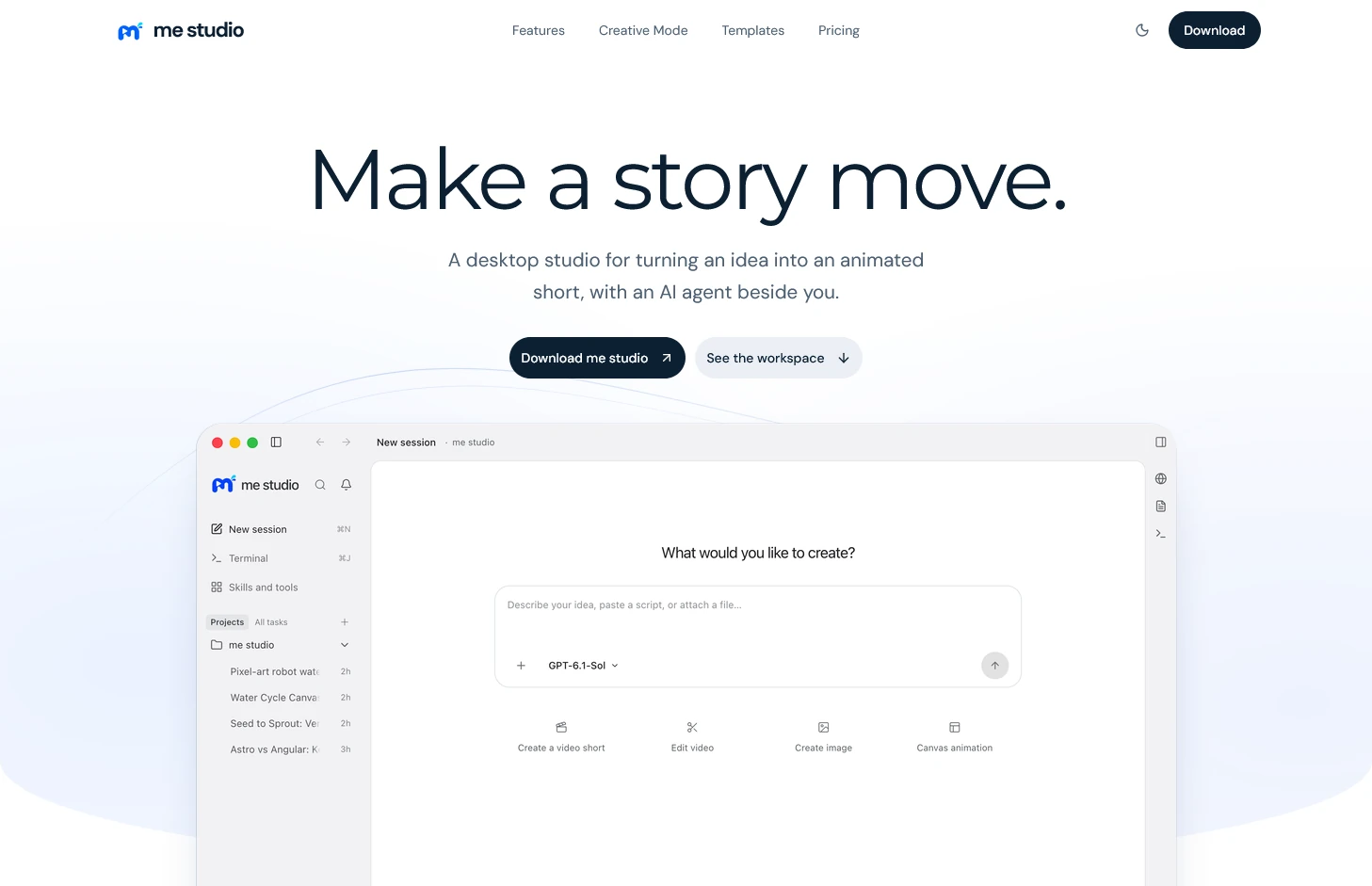
Go from a brief to an animated short
Start with an idea or a script
Describe the audience, what they should understand, and how the story opens or ends. You can start a project with a short brief or use a script you already have.
Preview and edit scenes in Canvas
Open a scene to check how the text, imagery, narration, and timing work together. Revise the scenes where the story is unclear before you export.
See an example before you start
Watch The City After Dark and explore its shots on the ME Studio site. You can also see the Seed to Sprout animation on the MeLearn homepage.
Common questions about ME Studio
- Do I need a finished script to use ME Studio?
- You can start with an idea or a short brief and ask the AI assistant to draft a story or scenes. If you already have a script, you can start from that instead.
- Where can I see examples and check access to ME Studio?
- Visit the ME Studio site at mestudio.space to explore video and Canvas examples and see the current options for getting access.